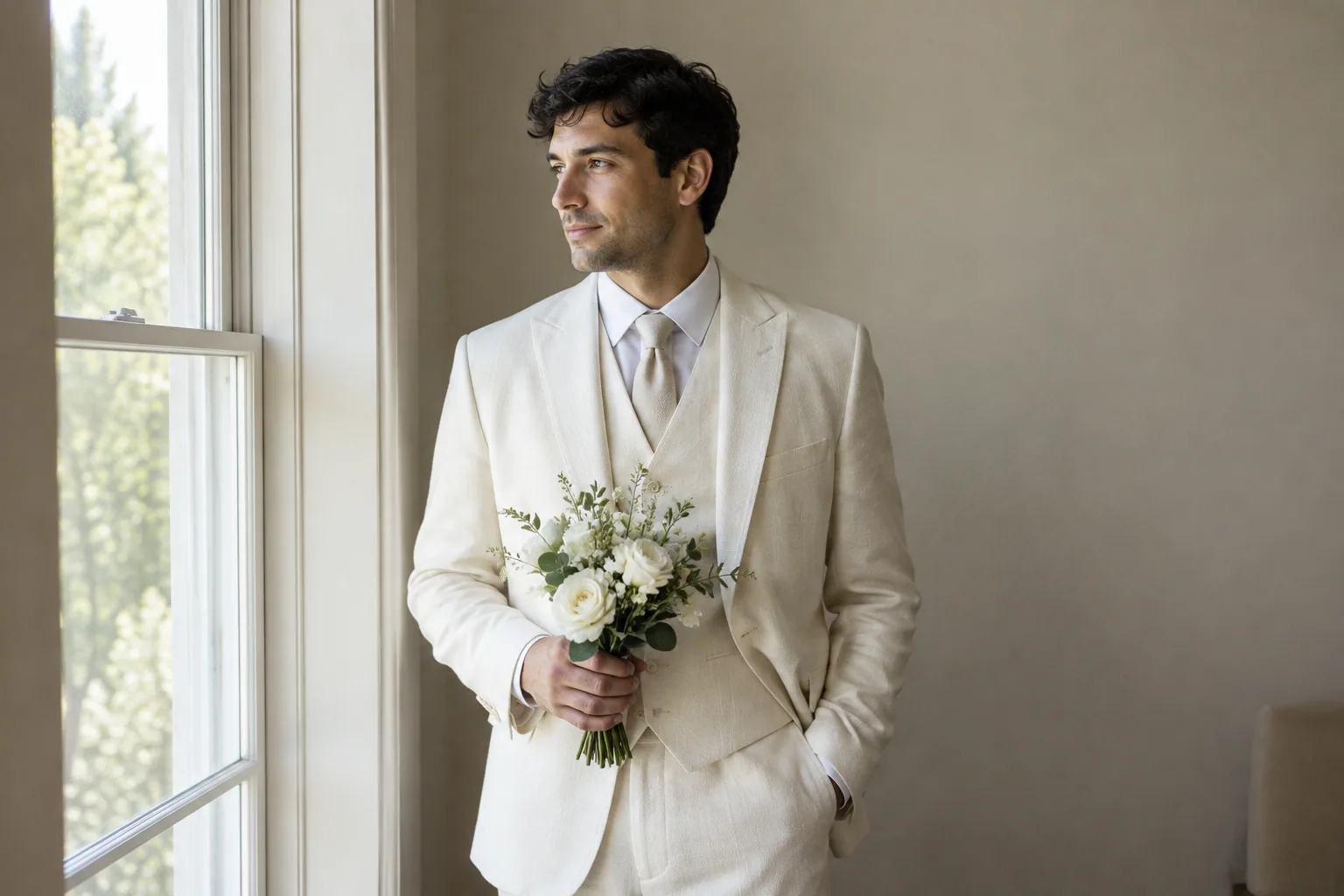
AI can create imagined wedding-style portraits of you, but it cannot document your actual wedding. Real photography records what happened in front of a camera, including your attire, expressions and the people who were there. Choose AI for creative solo images, a real portrait session for photos in your actual outfit, and wedding-day photography for memories of the event.
AI wedding photos vs real photos at a glance
The fairest comparison has three options, not two. A generated portrait, a scheduled portrait session and full wedding-day coverage solve different problems.
| What you need to compare | AI-generated solo portraits | Real solo portrait session | Wedding-day photography |
|---|---|---|---|
| Source images | Your selfies guide newly generated images | Camera captures you during the session | Camera captures the wedding as it happens |
| Actual moments | Invented scene, not an event record | Records the poses and expressions from that session | Records vows, reactions and interactions the photographer captures |
| Likeness | Can look recognizable, but needs inspection | Photographs your appearance, subject to lighting and editing | Photographs your appearance throughout the event, subject to lighting and editing |
| Clothing accuracy | Generated clothing may differ between images | Records the outfit you wear | Records the outfits worn that day |
| Other attendees | Not a record of anyone attending | Usually outside the scope of a solo session | Can include guests and group portraits within the agreed coverage |
| Cost structure | App purchase, subscription or generation credits, depending on the service | Session fee plus any editing, file or print charges | Coverage package plus any extras, such as albums or additional coverage |
| Turnaround | Generation, selection and possible retries | Scheduling, session and editing time | Event coverage followed by editing and gallery delivery |
AI-assisted editing is a separate category. A photographer might use AI tools to reduce noise or help edit an actual photograph. That does not make the entire image generated, but adding or replacing scene content changes what the image documents. Ask what kinds of edits are included rather than relying on the label “AI photography.”
What AI wedding portraits are useful for
Use generated portraits when you want to explore how you might look in an imagined wedding setting without arranging that scene. They can help you choose a general direction for an outfit, make a personal inspiration board or create a clearly labeled social post.
Keep the distinction between style inspiration and product accuracy. A generated dress is not a reliable preview of a particular designer’s garment, and a generated tuxedo cannot tell you how a real jacket will fit.
Three solo portrait ideas to try
Use your own likeness for each concept. These descriptions can guide your selection of styles or serve as prompts in a tool that supports custom text:
- Garden bridal portrait: “Solo portrait of me in an ivory wedding dress in a garden, soft daylight, waist-up composition, natural expression, simple background.” Use it to compare a garden mood with an indoor setting, not to judge a specific dress’s lace or construction.
- Tailored tuxedo portrait: “Solo portrait of me in a black tuxedo with a bow tie, standing beside a plain studio backdrop, full-length composition, soft side lighting.” Use it to explore the overall look, then try on real clothing to assess fit.
- Vintage formal portrait: “Solo portrait of me in vintage-inspired formal attire, seated in a studio, black-and-white finish, classic portrait pose.” Use it as a creative portrait rather than presenting it as a historical photograph.
If that matches your goal, explore wedding-style portraits. For social posts, a caption such as “AI-generated wedding-style portrait, trying out a garden look” makes the context clear.
What real wedding photography captures that AI cannot
A generated image can depict someone exchanging vows. It cannot record your vows, your expression when you heard them or a guest’s reaction at that moment. Those require a camera to be present.
Real wedding photography can preserve details you did not plan: a laugh during a speech, a greeting between relatives or how the venue looked with your actual decorations. Tell your photographer which people and moments matter most so they can plan coverage around them.
Generated portraits also cannot recover an undocumented moment. If no photograph exists of an interaction, a newly generated scene is an imagined reconstruction, not a recovered photo. Keep it separate from documentary images.
For exact attire, jewelry and decor, use real photographs. AI may produce a plausible ring, veil or bouquet without reproducing yours accurately. It should not replace photographs of the people attending your event.
How cost, time and effort compare
Compare the total work and deliverables, not just the first price you see. An app fee buys a different service from having someone photograph a live event.
Budget for selection time as well as app spending
Before buying an AI plan, check:
- Whether payment is a subscription, one-time purchase or credit system.
- Which styles and export options are included.
- Whether custom prompts require an upgrade.
- How cancellation and renewal work.
Your effort includes choosing input selfies, reviewing results and retrying images that do not look like you. Do not assume every generated frame will be usable or that a higher-priced plan guarantees accurate details.
Compare a portrait session separately from wedding coverage
If you only want a few photographs of yourself in wedding attire, request a solo portrait session quote. Ask about session length, location, outfit changes, retouching and the number of delivered files. This is the closer alternative to generated solo portraits.
For wedding-day coverage, ask for a written breakdown of coverage hours, photographers, editing, gallery delivery and album or print options. Confirm whether travel and additional coverage cost extra, and get the delivery schedule directly from the photographer.
There is no useful universal break-even price. If your goal is to document the ceremony, generating more portraits does not meet that need, regardless of the app cost.
How to judge likeness and wedding details
Start with resemblance, then inspect the details. A polished finish can make an image appealing before you notice that it does not quite look like you.
Before generating, choose suitable input selfies. Afterward, compare your selected result with an unfiltered photo of yourself, both at normal viewing size and zoomed in.
Check each generated portrait before sharing or printing
- Face: Compare eye shape, nose, jawline, smile and hairline. Check side views separately rather than approving the whole set from one front-facing image.
- Hands: Follow each finger from the hand to the fingertip. Look for merged fingers or an unnatural grip.
- Rings and jewelry: Check placement, shape and continuity. Do not treat a generated ring as a record of your actual ring.
- Fabric: Inspect lapels, buttons, seams and lace for patterns that change or stop unexpectedly.
- Veil edges: Trace the edge around hair, shoulders and hands for gaps or blending.
- Reflections: Check that mirrors and reflective surfaces agree with the visible pose and scene.
- Background: Look for distorted chairs, interrupted railings or inconsistent flowers and shadows.
High resolution does not guarantee accurate detail. It can give you a larger view of an incorrect hand or altered face. If resemblance is the weak point, use this guide to prioritizing recognizable likeness before making more images.
Judge a photographer by complete galleries
Ask to see complete wedding galleries, ideally from lighting conditions similar to your plans. Review focus during movement, faces in dim reception lighting and consistency across the ceremony, portraits and reception, rather than judging only portfolio highlights.
You can ask: “Are these galleries from actual weddings you photographed, and do any delivered images include generated or replaced scene content?” Then explain your preference, such as keeping documentary images separate from creative alterations.
Which option should you choose?
Choose based on what you want the finished image to prove or express:
- Choose AI for imagined solo portraits. You want to explore a style or create a social image without staging the scene.
- Choose a real portrait session for your actual appearance and attire. You want photographs of yourself wearing a specific dress, suit or piece of jewelry.
- Choose wedding-day photography to document the event. You want the people, interactions and setting as they were photographed that day.
You can use both without confusing their roles. Keep generated portraits in a separate folder or album section labeled “AI concepts,” and preserve your real wedding gallery as the event record.
For an optional workflow with Selfie AI:
- Upload your own selfies to create your personalized AI model.
- Explore wedding and formal styles. Custom scenarios through text prompts require Premium.
- Review the results for likeness and detail, then select only images you are comfortable sharing as generated portraits.
FAQ
How are AI wedding photos different from Photoshop edits?
A generated wedding portrait creates a new scene guided by your selfies; a conventional Photoshop edit starts with an existing photograph and changes it. Photoshop can also be used for generative changes, so the software name alone does not tell you what is real. Ask whether the edit adjusts the captured image or invents clothing, surroundings or other scene content.
Can I make AI wedding portraits if I am already married?
Yes. You can use your own selfies to create imagined wedding-style portraits after your wedding, but they will not recreate undocumented moments or reliably reproduce your original outfit. Start by deciding whether you want a creative anniversary image or a faithful photograph in your actual attire, then choose generation or a real portrait session accordingly.