How AI Selfie Tools Can Help Small Businesses Build Brand Identity Without a Big Budget
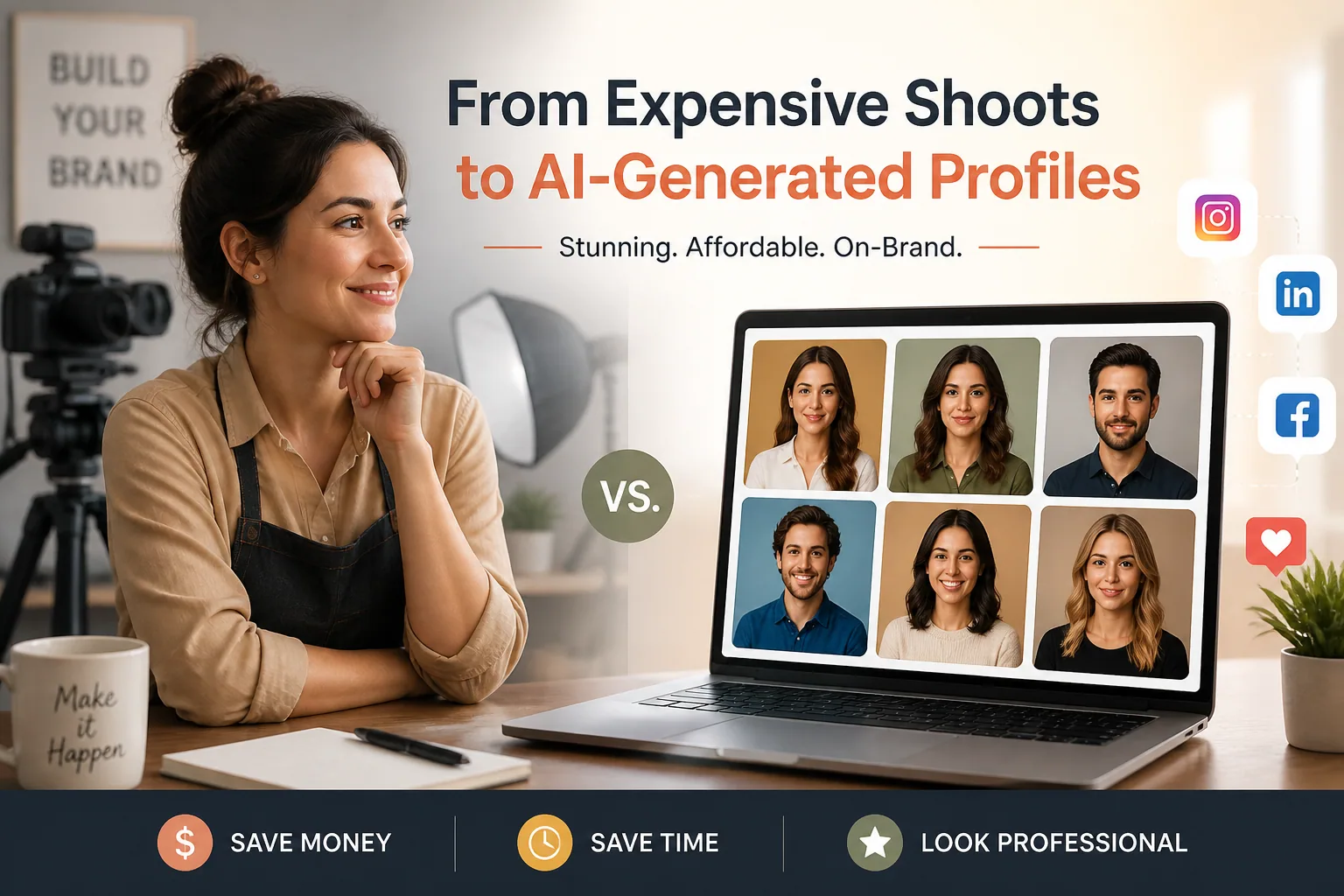
For small business owners, freelancers, solopreneurs, and creators, brand identity is no longer just a logo and a color palette. It is the visual proof that people can trust you, remember you, and recognize you across every platform. In a crowded online market, the face behind the business matters more than ever. That is why AI selfie tools are becoming such a practical option in 2026: they let you create polished, consistent, on-brand portraits and animated visuals without needing to book repeated photo shoots or spend a big share of your marketing budget.
The best part is that these tools are not only for flashy experiments. When used well, they can help you show up professionally on your website, social channels, pitch decks, and creator kits with a level of consistency that used to be expensive to maintain. And with the right workflow, AI-generated selfies can still feel personal, believable, and aligned with your real likeness.
Why Brand Identity Matters More Than Ever for Small Businesses
Brand identity is what makes a one-person business look established. It is the combination of tone, visuals, imagery, and consistency that tells people what you stand for before they read a single line of copy. When your photos look cohesive, your audience feels a sense of familiarity. That familiarity can be the difference between someone scrolling past and someone clicking, booking, or buying.
This matters even more now because customers make decisions quickly. Your profile photo, about page, media kit, and social banners all contribute to the first impression. If those visuals are inconsistent, outdated, or low quality, the brand can feel less credible. But if they share a clear visual language, the business feels more premium, even if it is small.
Adoption is already moving in this direction. According to the U.S. Census Bureau Business Trends and Outlook Survey, only about 17 to 20 percent of U.S. businesses reported using AI tools in any function as of early 2026, which means there is still a lot of room to stand out by being early and strategic rather than random. Source: https://www.census.gov/library/stories/2026/05/ai-use-businesses.html
The Real Cost of Traditional Brand Photography
Professional photography still has value, especially for launches, team shoots, product campaigns, and high-stakes brand moments. But it also comes with a real cost in time, money, and logistics. For many small businesses, that cost adds up fast when they need fresh visuals multiple times a year.
The research shows how wide the range can be. Traditional studio photography for products can cost small businesses between US$50 and US$300 per finished image, with turnaround taking several days, while AI product imaging tools can cost about US$0.10 to US$0.50 per image and return results in under a minute. Source: https://palmou.com/guides/ai-vs-studio-product-photography-cost
The same pattern appears in headshots. One comparison found AI headshot tools offering 100+ variations for US$25 to US$40 in under an hour, while professional photography sessions cost US$200 to US$500 and often take 1 to 2 weeks for fewer final images. Source: https://pose.ai/blog/ai-headshot-vs-professional-photographer-2026
For teams, the savings can be even larger. A small agency with 8 team members reportedly spent US$4,800 to US$8,000 on traditional headshots but only US$392 using AI-generated headshots, and the company tied that to a 1,200 percent return on investment in the first year through increased website conversions. Source: https://www.selfietopro.com/blog/small-business-team-branding
That does not mean traditional photography is obsolete. It means the old model of constantly paying for fresh images may no longer be the smartest default. For many businesses, AI gives them the flexibility to create more visual assets for far less money.
What AI Selfie Tools Can Do in 2026
AI selfie tools have moved well beyond novelty filters. In 2026, they can generate portraits that look like professional headshots, lifestyle brand photos, stylized creator visuals, and even animated versions of your face for short-form video content. For business owners, this matters because it turns a handful of source photos into a flexible content library.
A strong AI portrait workflow can help you create visuals for your homepage hero section, LinkedIn profile, speaker bio, email signature, podcast artwork, press kit, ad creatives, and social media content. Some businesses are even using AI-generated UGC-style imagery to stay visible between major photo shoots.
There is also a speed advantage. In one case study, a solo coaching business cut image production costs by 90 percent, dropping from around US$2,500 per month for quarterly shoots to about US$250 per month using AI-generated UGC. The business produced more than 300 brand-consistent visuals in only 10 days. Source: https://ppl.studio/case-studies/coaching-business-scales-personal-brand-content
For small businesses that need to stay active online but cannot afford endless content production, that kind of output changes what is possible.
AI Portraits vs Professional Photos: Cost, Speed, and Flexibility
The choice is not really AI versus photography. It is about which tool fits the job. Professional photography is best when you need a fully controlled shoot, physical props, a real environment, or a highly polished campaign. AI portraits are best when you need volume, speed, variation, and budget efficiency.
Think about a founder who needs a new headshot, a homepage portrait, three social media versions, and a speaker image for an upcoming event. A traditional approach may mean multiple bookings or using the same single photo everywhere. With AI, that founder can create a full set of consistent assets in one workflow.
The economics can also be compelling for service businesses. A project generating 165 AI portraits for a corporate client reportedly earned more than US$2,500, while platform costs were around US$161 to US$215. Source: https://pictor.pro/blog/case-study-adam-borden/
The key advantage is flexibility. You can test looks, adjust scenes, and generate variations without starting from scratch each time. That means your visual identity can evolve with your business instead of being locked to a single photo session.
When to Choose Realistic Headshots vs Artistic Brand Portraits
Not every business needs the same visual style. If you are a consultant, attorney, coach, recruiter, or service provider whose work depends on trust, realistic headshots usually make the most sense. They help people see the person behind the offer, and they support credibility across LinkedIn, websites, and proposals.
If you are a creator, designer, musician, wellness brand, or personal brand with a more expressive tone, artistic portraits can be a smart choice. They can communicate mood, creativity, energy, or a specific brand world in a way a standard headshot cannot.
A good rule is to match the image style to the message. If your brand promise is professionalism, clarity, and reliability, keep the portrait grounded and realistic. If your brand promise is imagination, transformation, or trend awareness, you can push the styling further while still keeping your likeness recognizable.
Many businesses benefit from both. A realistic portrait can anchor the website and sales pages, while more artistic versions can power social content, campaigns, and seasonal promotions.
How to Keep AI Selfies Authentic and True to Your Likeness
The biggest risk with AI portraits is losing the real person inside the image. If the visuals look too polished, too altered, or too generic, they stop feeling trustworthy. The goal is not to create a perfect clone. The goal is to create an elevated version of you that still feels believable.
Best practice starts with consistency. Research from MagicShot.ai recommends uploading multiple reference photos of the subject, locking seed values, using a stable prompt identity block, and only varying scene or pose elements to keep portraits aligned. Source: https://magicshot.ai/blog/character-consistency-how-to-get-a-matching-set-of-portraits
You also want to avoid over-editing. If the skin texture disappears, the face changes shape too much, or the image starts resembling a generic model, the audience may notice something feels off. Subtle imperfections often make the result more convincing.
That is why authenticity is not about making the image look raw. It is about making the image feel like a real extension of your personal brand.
Choosing Input Photos That Lead to Better Results
AI outputs are only as good as the inputs you give them. If you want portraits that look like you, choose source photos that are clear, well lit, and varied enough to show your face from different angles. A mix of front-facing shots, slight profile angles, and different expressions usually works better than a batch of nearly identical selfies.
Good input photos should avoid heavy filters, sunglasses, obscured faces, extreme makeup transformations, or low-resolution images. You want the model to understand your facial structure, hair, skin tone, and typical features as accurately as possible.
It also helps to include images that match the kind of result you want. If you want professional brand portraits, use selfies where you are dressed in clothing that matches your business style. If you want a more casual creator look, include a few relaxed but still polished photos.
The better your reference set, the fewer unusable results you will have to sort through later.
Prompt Tips for Consistent, On-Brand Visuals
Prompting is where you bring brand identity into the image. A useful prompt does more than describe clothing. It gives the AI the visual cues needed to create a repeatable style across multiple assets.
Research on realistic portrait generation suggests prompts work better when they include camera and lens details like 85mm lens or DSLR quality, lighting descriptions such as soft studio lighting or Rembrandt lighting, skin texture cues like visible pores and no over-smoothing, plus background and photographic style tags. Source: https://cloudinary.com/guides/image-generation/how-to-make-ai-images-look-real and https://www.kalon.ai/templates/realistic-portrait-prompts
For brand consistency, keep one part of the prompt stable. That could be your clothing style, lighting setup, color palette, or facial expression. Then vary only the scene, pose, or crop. This helps create a coherent set of images that still feel fresh.
A useful formula is simple: identity block, brand style block, and scene block. For example, your identity block might describe your natural features. Your brand style block might specify clean, modern, warm, and premium. Your scene block might change from office portrait to podcast guest image to website banner.
How to Match Backgrounds, Colors, and Style to Your Brand Message
Backgrounds do more than fill empty space. They shape how your brand feels. A plain white or neutral studio background communicates clarity and professionalism. A warm interior setting can feel approachable and human. A bold color backdrop can make a creator brand feel more memorable and modern.
Your image palette should connect with the rest of your brand system. If your site uses soft beige, charcoal, and muted green, your AI portraits should not suddenly introduce neon lighting or high-saturation scenes. If your logo and content are crisp and minimal, avoid backgrounds that feel too busy.
This is also where AI gives you an advantage. Instead of relying on whatever background happened to be in your last photo shoot, you can create versions specifically designed for a homepage, a speaking engagement, or a holiday campaign.
When the visuals match the message, your brand starts to feel intentional rather than improvised.
Best Use Cases: Social Media, Websites, Pitch Decks, and Creator Kits
AI selfies can be used almost everywhere a brand needs a human face. On social media, they help you keep a polished profile image and post a variety of branded visuals without repeating the same photo too often. On websites, they can improve the about page, services page, homepage hero section, and testimonials section.
In pitch decks, strong portraits can make a solo founder or small team look more established and trustworthy. In creator kits and media kits, they help you present a consistent image to brands, partners, and event organizers.
One major benefit is consistency across touchpoints. A potential client may see your LinkedIn profile, then your website, then your Instagram, then your proposal. If the images all feel related, the entire brand feels stronger.
That consistency can also save time. Studies suggest AI adoption in small and medium-sized enterprises can reduce operational costs by up to 30 percent and save more than 20 hours per month depending on the use case. Source: https://arxiv.org/abs/2509.14532
Using Animated Selfies for Reels, Intros, and Short-Form Content
Animated AI selfies are useful when a static image is not enough. They can bring life to intros, reels, story posts, talking-head snippets, and promo clips. For creators and founders who want motion without filming every time, this is a practical way to stay visible.
Animation also makes a brand feel more dynamic. A subtle motion portrait can work in an email banner, a social intro, or a splash screen in a video edit. It is a small touch, but it can increase visual interest while keeping the brand recognizable.
If you are already using AI portraits for still images, animated versions are a natural next step because they extend the same identity system into video format.
Legal and Ethical Considerations: Privacy, Consent, and Disclosure
AI visuals come with real responsibilities. The first is likeness rights. Legal research from the Library of Congress notes that rights of publicity are designed to prevent unauthorized commercial use of a person’s image or likeness. Source: https://www.congress.gov/crs-product/LSB11052
That means you should only generate images of yourself or of people who have explicitly consented to their use. If you are working with a team, freelancer, or creator collaborator, make sure everyone understands how their likeness may be used.
You should also be aware that AI law is changing quickly. Emerging legislation such as Tennessee’s ELVIS Act and proposals like the No Fakes Act show that lawmakers are paying attention to identity, likeness, and creative rights in AI-generated media. Source: https://en.wikipedia.org/wiki/State_AI_laws_in_the_United_States
Ownership and disclosure are another concern. Even when the law allows use of generated images, it is often smart to be transparent when visuals are AI-assisted, especially if the content could be interpreted as documentary or highly real-world in nature. Clear disclosure builds trust.
The safest approach is simple: use your own likeness, keep records of consent, review the platform’s commercial terms, and be honest when the audience could reasonably expect a real photograph.
A Simple AI Selfie Workflow for Busy Solopreneurs
A practical workflow does not need to be complicated. Start by choosing 8 to 15 strong reference selfies. Make sure they show your face clearly, in different angles and lighting conditions, while still looking like you on a good day.
Next, define the role of each image. Decide which portraits are for your website, which are for social media, which are for speaking opportunities, and which are for seasonal or campaign-specific use. This keeps you from generating random images that never get used.
Then create a stable prompt system. Keep your core identity description and brand style consistent, and only swap out the scene or mood. Generate several options, select the best matches, and save them in a branded folder with clear labels.
Finally, review the results with a critical eye. Ask whether the image still looks like you, whether it fits the platform, and whether it supports the message you want to send. If the answer is no, refine the input rather than forcing the result.
Common Mistakes That Make AI Brand Photos Look Fake
The most common mistake is over-polishing. If the skin is too smooth, the eyes too perfect, or the face too symmetrical, the image may lose credibility. Another common issue is style mismatch. A warm, approachable brand should not use cold, dramatic, cinematic portraits everywhere.
A second mistake is inconsistency. If your website photo looks like a formal corporate headshot and your social image looks like a fantasy character, your audience may not know what brand you actually represent. Consistency matters more than spectacle.
Poor source photos also cause problems. Blurry selfies, extreme angles, and hidden facial features usually lead to weird output. And if you use too many conflicting prompt elements, the model may create an image that is technically impressive but not useful for branding.
The goal is not to impress other AI users. The goal is to help customers recognize and trust you.
How to Build a Budget-Friendly Visual Identity That Still Feels Premium
A premium visual identity is not always expensive. It is usually consistent, intentional, and easy to recognize. AI selfie tools make that possible for small businesses that need to look established without spending like a large agency.
The smartest approach is hybrid. Use AI portraits for high-volume, everyday brand needs, and reserve traditional photography for key launches, major campaigns, or moments when live-action authenticity matters most. That way, you get the speed and flexibility of AI without losing the value of real photography.
If you want to experiment with this approach, a tool like Selfie AI: AI Photo Generator can help you create professional business portraits, custom styles, and animated versions from a few selfies, all in one place: https://findthe.app/selfie-ai-0xi7wd
For small businesses, that combination of affordability, consistency, and creative control is what makes AI selfie tools so powerful. You do not need a huge budget to look polished. You need a clear brand, a repeatable process, and visuals that make people feel like they already know you.